Start printing
in just a few seconds
You'll need an app or driver to print—this ensures fast and secure document transfer to the PrintPayGo printer. Now choose how you want to print: from your phone or computer.
Secure Printing
- Documents are stored in encrypted form.
- Your documents are accessible only after logging into your PrintPayGo account.
- Files are stored for a limited time.
Easy installation
- The driver installation takes less than 1 minute
- Works right away. No complicated settings.
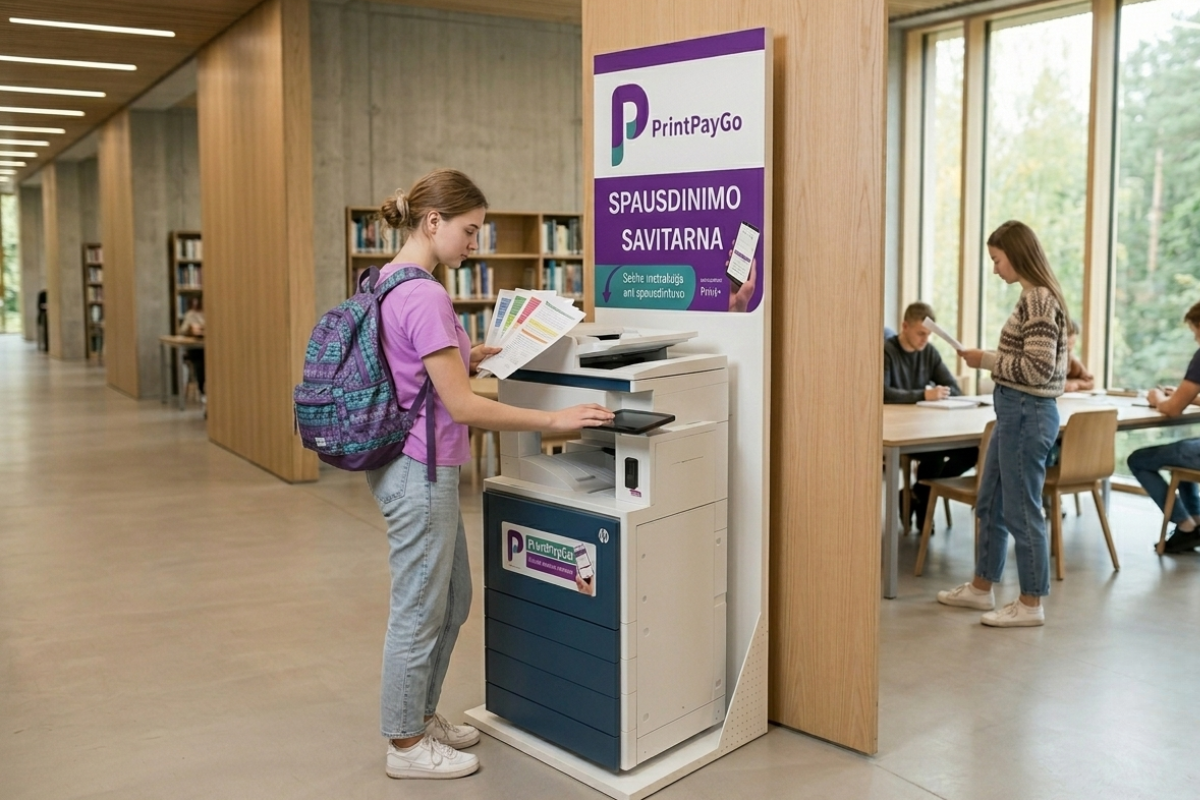
Mobile apps
Download the app and print in seconds
Printer drivers
Install the driver and print from your computer
Print from your computer
using a web browser
Upload the document to PrintPayGo.lt and print it after logging in at the self-service kiosk connected to the printer.
- Works through a web browser—no need to install any software.
- Convenient for use on public and work computers.
- Your documents are secure and accessible from anywhere.
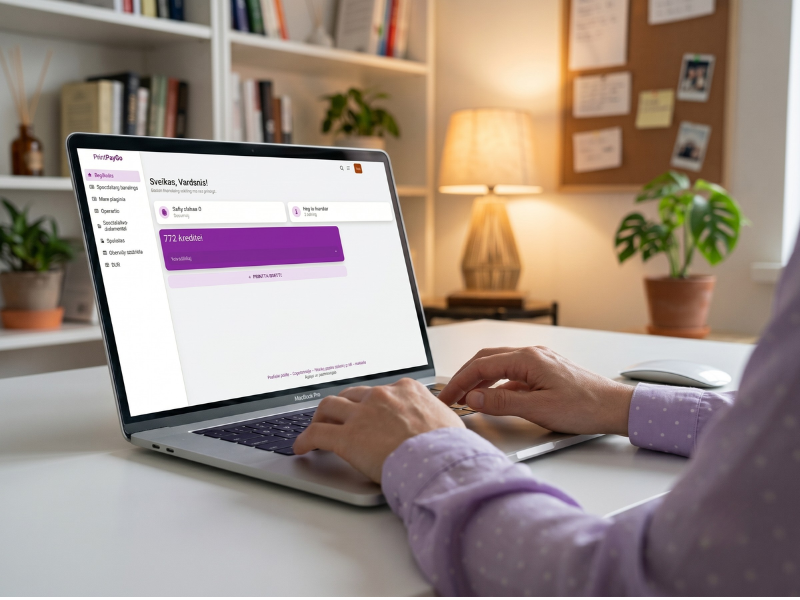
Upload a document
Go to our printer